
The message I get most often goes like this: “I paid for hosting with M-Pesa at 9pm, it is midnight, and the site is still down while my client is calling.”
Nine times out of ten nothing is broken. Hosting with M-Pesa is a two-system handshake, and one of the two systems was waiting for a number the customer did not enter.
So here is what actually happens after you press pay, written from the support side of hosting with M-Pesa.
What happens when you pay for hosting with M-Pesa
The sequence is more mechanical than people expect, and knowing it explains almost every delay.
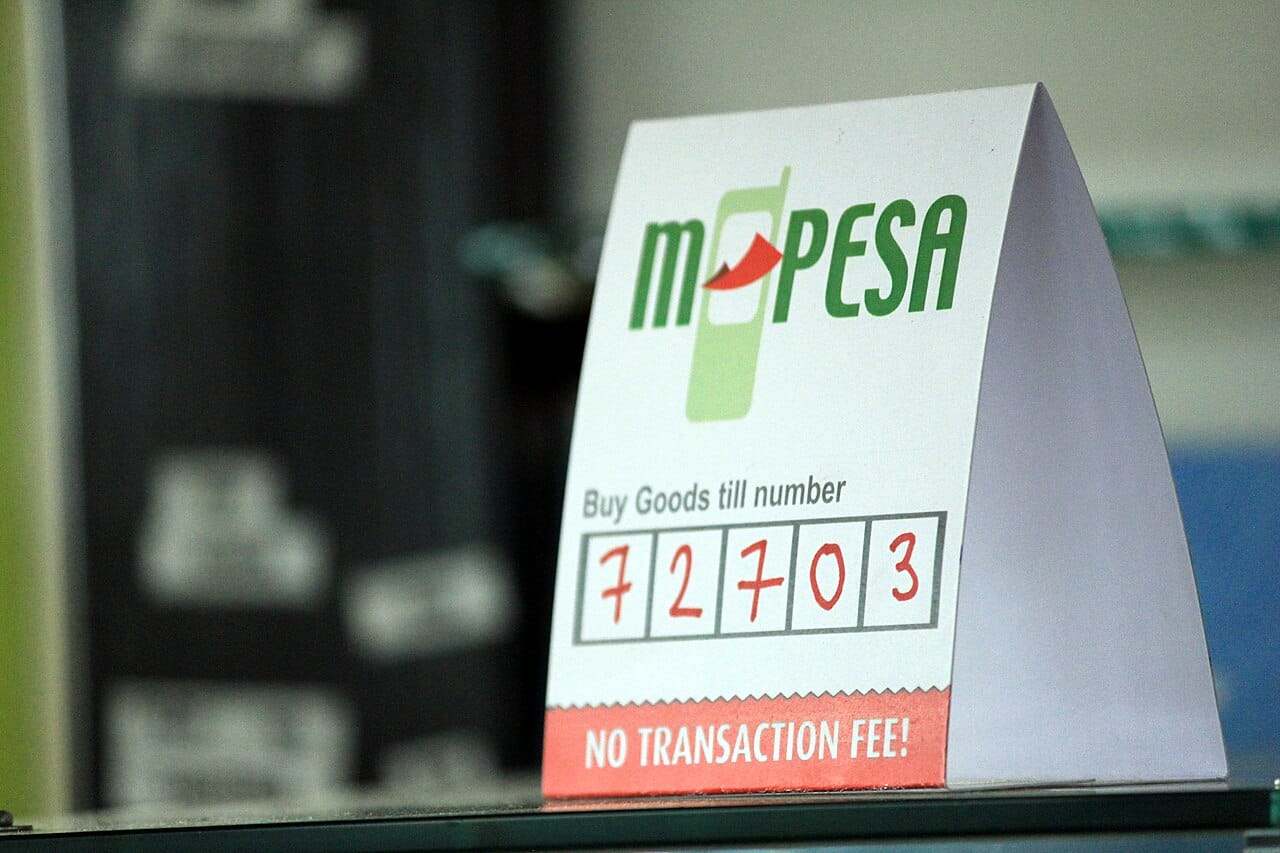
- You get an invoice with a Paybill number and an account number, which is usually the invoice ID or your client area username.
- You open M-Pesa, choose Lipa na M-Pesa, then Paybill, and type both numbers.
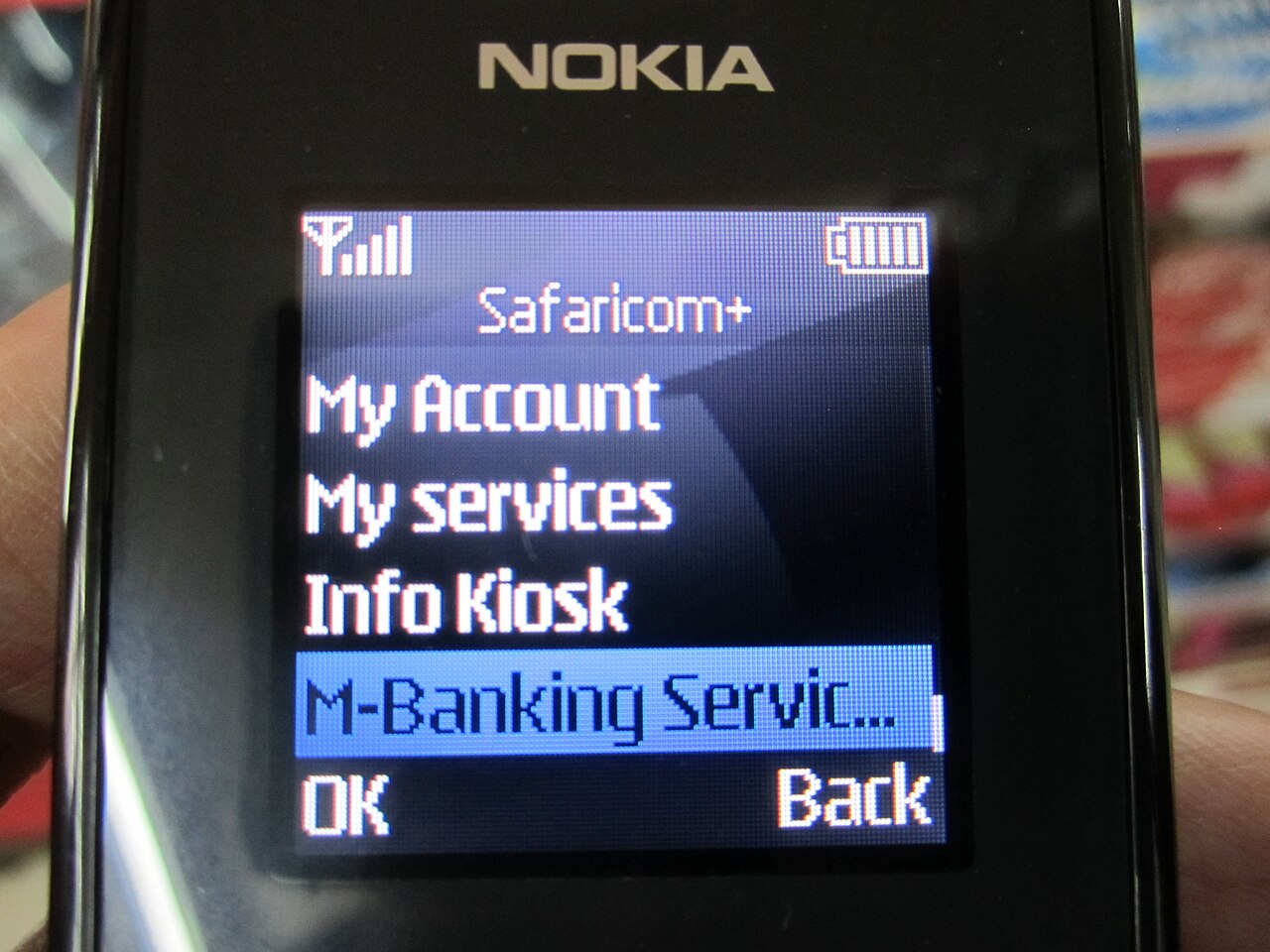
- You enter the amount and your PIN, and M-Pesa confirms with an SMS containing a ten-character transaction code.
- The provider’s system receives a callback from Safaricom’s payment gateway, usually within seconds, matching the code and the account number to your invoice.
- The invoice is marked paid, and an automation job creates the hosting account, sets up cPanel, and emails the welcome details.
- You get two emails: one receipt from billing, one welcome message with a login link.
That is the happy path, and hosting with M-Pesa usually takes under three minutes when the account number is right.
The callback is the same mechanism documented publicly in Safaricom’s M-Pesa developer portal. A host that claims it has no way to check whether a payment arrived is not telling you the truth.
The failure point in hosting with M-Pesa is almost always step four. A callback that cannot match an invoice sits in a suspense queue until a human finds it.
Why the account still says pending at midnight
Five causes, in the order they actually happen when hosting with M-Pesa goes quiet.
You typed the wrong account number. The most common hosting with M-Pesa mistake there is. A missing digit, or the invoice ID replaced with your domain name. The money arrived, the invoice did not, and someone has to reconcile it manually in the morning.
You paid an old invoice. Two unpaid invoices from different months, and this month’s payment lands against last quarter’s. Providers usually fix this themselves, but the account only reactivates once the current invoice is settled.
You used Buy Goods instead of Paybill. A Till number has no account field, so the payment cannot say which invoice it belongs to. It lands as an unnamed credit.
You paid a partial amount. Ksh 1,500 against a Ksh 1,999 invoice activates nothing on most systems. The credit sits there and the reminder email keeps coming.
Safaricom’s queue was slow. Rare, but it happens at month end and during promotions. Callbacks that normally take three seconds take twenty minutes.
None of these need panic. All of them need the transaction code, which is the next section.
The transaction code is your receipt, so keep it
Every M-Pesa payment produces an SMS with a code, and that code is the only thing support can act on quickly.
If a payment does not reflect within about fifteen minutes, send a ticket with four lines:
- The transaction code from the SMS.
- The amount and the time you sent it.
- The invoice number you were paying.
- A screenshot of the confirmation message.
With those four, a support agent can find the payment in seconds and apply it by hand. Without them, they are searching a day’s transactions for an amount that matches, which takes far longer than hosting with M-Pesa should.
I have also seen the reverse mistake: someone deletes the SMS after the site comes up, then needs it three weeks later for a dispute or an accountant. Screenshot it, or forward it to a folder in your own mailbox.
One habit worth building. Pay for hosting with M-Pesa the way you pay rent, from the business line, with the reference typed carefully, and keep the confirmation somewhere searchable.
Paybill, Buy Goods and STK push
Three M-Pesa flows exist, and only one of them suits hosting with M-Pesa cleanly.
| Flow | What you type | Best for |
|---|---|---|
| Paybill | Business number + your account number | Hosting invoices, renewals, anything that needs matching |
| Buy Goods (Till) | Till number + amount only | Walk-in payments, small one-off charges |
| STK push | Nothing, you approve a prompt on your phone | Checkout pages that start the payment for you |
Paybill is the right default for hosting with M-Pesa, because the account number is what links money to an invoice.
Buy Goods works, but it creates reconciliation work for whoever is on shift. If you have no choice, send the code immediately and say which invoice it belongs to.
STK push is the smoothest experience and the one most people prefer on a phone. You click “Pay with M-Pesa” at checkout, the prompt appears, you enter the PIN, done. No numbers to copy, which means no account number to mistype.
On most Paybill arrangements the transaction cost sits with the business rather than the customer. That is worth knowing when a provider advertises M-Pesa billing but nudges you towards a card.
Renewals: the part M-Pesa will never remind you about
This is the sentence that saves people money. M-Pesa has no standing order for this kind of billing, so nothing charges you automatically next year. No prompt, no direct debit, no surprise.
That cuts both ways. You cannot be charged without consent, which is good. You also cannot rely on the host to pull the money, which is where hosting with M-Pesa goes wrong quietly.
A `.co.ke` domain at Ksh 999 is due once a year, and an unpaid domain does not politely wait. It stops resolving, passes through a grace period, then enters redemption at a penalty, and eventually returns to the pool for anyone to buy.
The hosting side is gentler. Most Kenyan hosts suspend rather than delete, so files survive a few weeks. But a suspended site looks identical to a dead one from the customer’s side.
Renewing hosting with M-Pesa is always a manual act, and that is the risk nobody budgets for.
Three habits fix this completely:
- Set the reminder 45 days before expiry, not seven. Cards fail, phones change, and month-end is always busy.
- Keep a card on file as backup if the host supports it, and let it be the safety net rather than the main method.
- Pay annually, not monthly. One prompt a year is easy to remember. Twelve are not.
VAT, eTIMS and the receipt your accountant wants
Hosting in Kenya carries 16% VAT where the provider is VAT-registered. Every hosting with M-Pesa invoice should show that tax as its own line.
If you claim hosting as a business expense, ask for a proper tax invoice with your KRA PIN on it, and for the eTIMS-compliant version where the provider issues one. A screenshot of an M-Pesa message is proof of payment, not a tax document.
Two practical points.
First, check whether the quoted price includes VAT before comparing. A Ksh 2,875 quote excluding VAT is Ksh 3,335 once the tax is added, and that gap has settled more than one argument about which host is cheaper.
Second, pay from the business line where possible. A payment from a personal M-Pesa number against a company PIN creates a reconciliation question your accountant will ask about in January.
When a card beats M-Pesa
Paying for hosting with M-Pesa covers most needs, but not all of them.
Use a card when the bill is in dollars, when you want automatic renewal without remembering, or when you expect a chargeback. Refund mechanics are also simpler on card, because a reversal does not depend on someone at the provider finding your number.
Use M-Pesa when the invoice is in shillings, when you want no stored card, and when the provider is local and answers a phone.
Plenty of Kenyan businesses do both: card for the annual hosting renewal, M-Pesa for domains and add-ons.
A checklist before you pay for hosting with M-Pesa
Five lines, thirty seconds, and most support tickets never happen.
- Invoice number copied, not typed from memory, if your host allows paste.
- Amount matches the invoice including VAT, especially on renewals where the price moved.
- Paybill number confirmed from the invoice itself, not from a WhatsApp forward that might be stale.
- Business line used if this is a company expense.
- Confirmation SMS screenshotted and, if the site does not activate in fifteen minutes, sent to support with the invoice number.
The short version
Hosting with M-Pesa is fast when the account number is right and slow when it is not. The transaction code is the key that unlocks every stuck payment, so keep it.
Renewals are manual by design, which means the reminder is your job. Set it 45 days out, keep a backup card, and pay annually.
If you want the version with no reconciliation at all, shared hosting plans from Ksh 1,999 are billed annually, and the easiest way to pay for hosting with M-Pesa is straight from the invoice. The full price comparison shows what each provider charges once VAT and renewals are included.
Frequently asked questions
How long does it take for hosting with M-Pesa to activate? Usually under three minutes, because the payment callback and the provisioning job run automatically. If nothing happens within fifteen minutes, send the transaction code to support rather than paying again.
Can I pay for hosting with M-Pesa monthly? Some Kenyan hosts allow monthly hosting with M-Pesa, but annual billing is usually cheaper and far easier to remember. Twelve payments a year means twelve chances to forget a renewal.
What if I pay the wrong invoice or the wrong amount? The money is not lost. It appears as an unmatched credit and support applies it to the correct invoice once you send the transaction code, amount and date.
Do I get a tax invoice for an M-Pesa payment? Yes, request one with your KRA PIN. The M-Pesa SMS proves payment; the tax invoice, and the eTIMS version where issued, is what your accountant files.
Will my site be deleted if I forget to renew? Most Kenyan hosts suspend rather than delete, so files usually survive a grace period. Domains are harsher: after redemption the name can be bought by someone else.
Related reading
- Web hosting prices in Kenya 2026 — what each host charges with VAT and renewals included.
- How to register a .co.ke domain in Kenya — the renewal rules that decide whether you keep the name.
- Business email vs Gmail — which address to put on the invoice you just paid for.